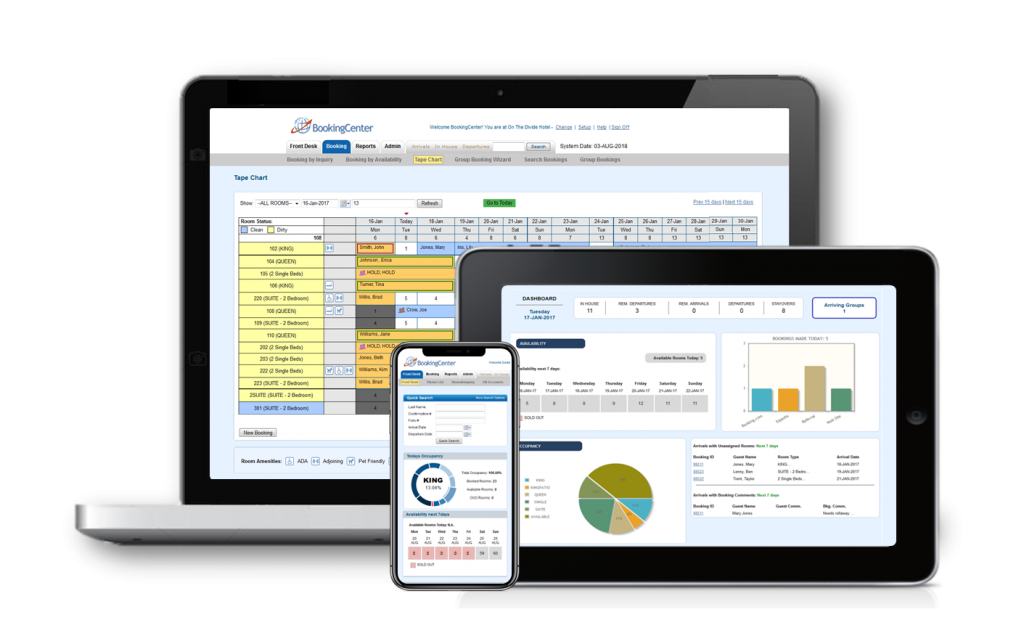
See all of the features and functions of MyPMS in real-time with rooms, rates, sources, guest types already setup. Make a booking, add a charge, use the Tape Chart, complete Night Audit and much more.
Get Started with the MyPMS Training Guide
Setup your hotel today! Try our 30 Day Free trial
Start Instant Demo
Complete this form, click “Start MyPMS Demo”
Get unlimited Rooms for $50/month. NO TERM CONTRACTS and NO COMMISSIONS!
Learn all about our Money Back Guarantee. Have questions? Contact us!
Property Management System | Booking Engine | Channel Manager | OTA and GDS Connections
Front Desk operations, Booking Management, Reports, Custom Guest Letters and more.
See all MyPMS Features